TamoGraph® Site Survey
Wi-Fi planning and site survey software that helps you create and maintain reliable networks. A powerful and user-friendly wireless site survey tool for professionals.

Wi-Fi planning and site survey software that helps you create and maintain reliable networks. A powerful and user-friendly wireless site survey tool for professionals.
TamoGraph Site Survey — Product Overview
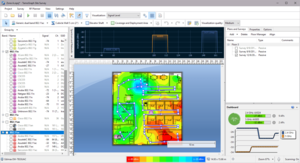
Simple and fast data collection with detailed, color-coded floor plan heatmaps and predictive RF modeling for accurate coverage analysis.
Full support for the latest Wi-Fi 7 standard including 802.11ax, ac, n, and legacy protocols. Future-proof your wireless surveys.
Runs on both Windows and macOS with active and passive survey modes, GPS-assisted outdoor surveys, and automatic AP detection.
Wireless site surveys are necessary because radio wave propagation is difficult to predict, especially in non-open-space environments. It is virtually impossible to consider all the variables that might affect the reach and performance of your WLAN.
Changing conditions, interference from nearby WLANs, and the wide proliferation of wireless infrastructure make professional site surveys a very important step in planning and maintaining your network.
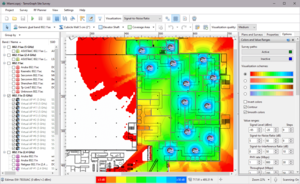
Verify that the network meets design requirements. At this stage, the site survey is primarily a planning tool using predictive RF modeling.
Validate coverage, identify weak spots, verify access point placement after installation with real measured data.
Account for environmental changes, new interference sources, and maintain optimal performance over time.
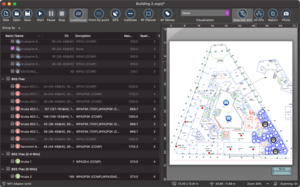
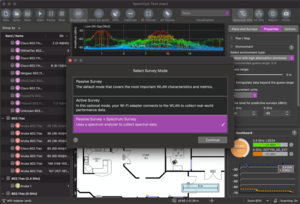
Built-in spectrum analysis provides comprehensive interference detection and troubleshooting. Active and passive survey modes with throughput testing give you real-world performance data.
TamoGraph automatically detects access points for quick, efficient network analysis without manual setup, and supports GPS-assisted outdoor surveys for accurate geolocation mapping.
Choose the right solution for your wireless survey needs
Full-featured site survey tool with spectrum analysis, predictive modeling, active/passive surveys, and advanced reporting. Available as perpetual or subscription license.
TamoGraph Pro with 6 GHz support bundled with a compatible USB Wi-Fi adapter for complete Wi-Fi 6E/7 site survey capability out of the box.
Enhance your surveys with compatible USB Wi-Fi adapters, Oscium Wi-Spy Lucid spectrum analyzers, MetaGeek Wi-Spy DBx, and MetaGeek Chanalyzer 6.